The 7 Best Recipe Manager Apps of 2026
We tested the most popular recipe organizers to help you ditch the cluttered binders and endless screenshots. Here are the top apps to modernize your kitchen.
Our Top 3 Picks at a Glance
Best Overall
Best for modern cooks, social media lovers, and AI features.
Best Offline
Great for offline use and one-time purpose preference.
Best Self-Hosted
Ideal for tech-savvy users who want total data control.
OnlyRecipe
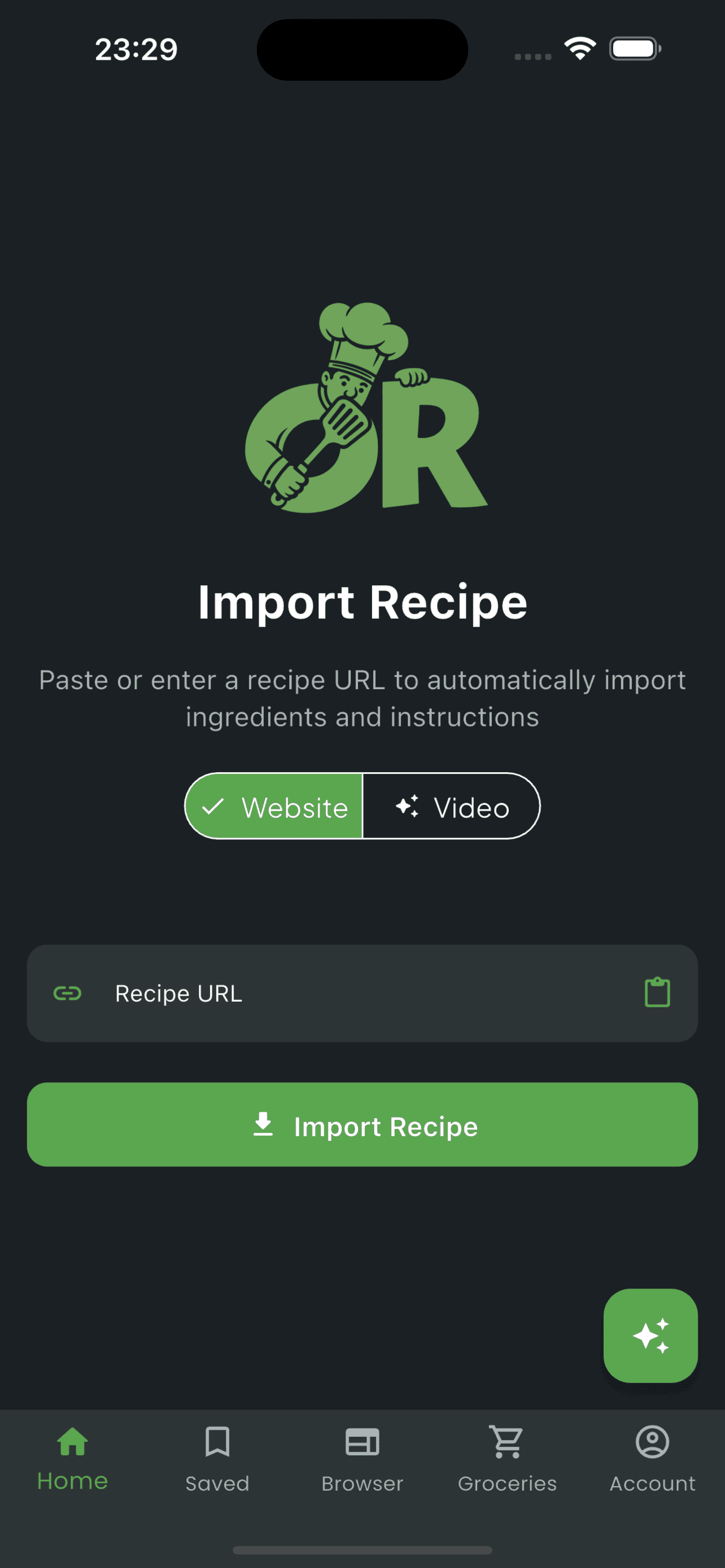
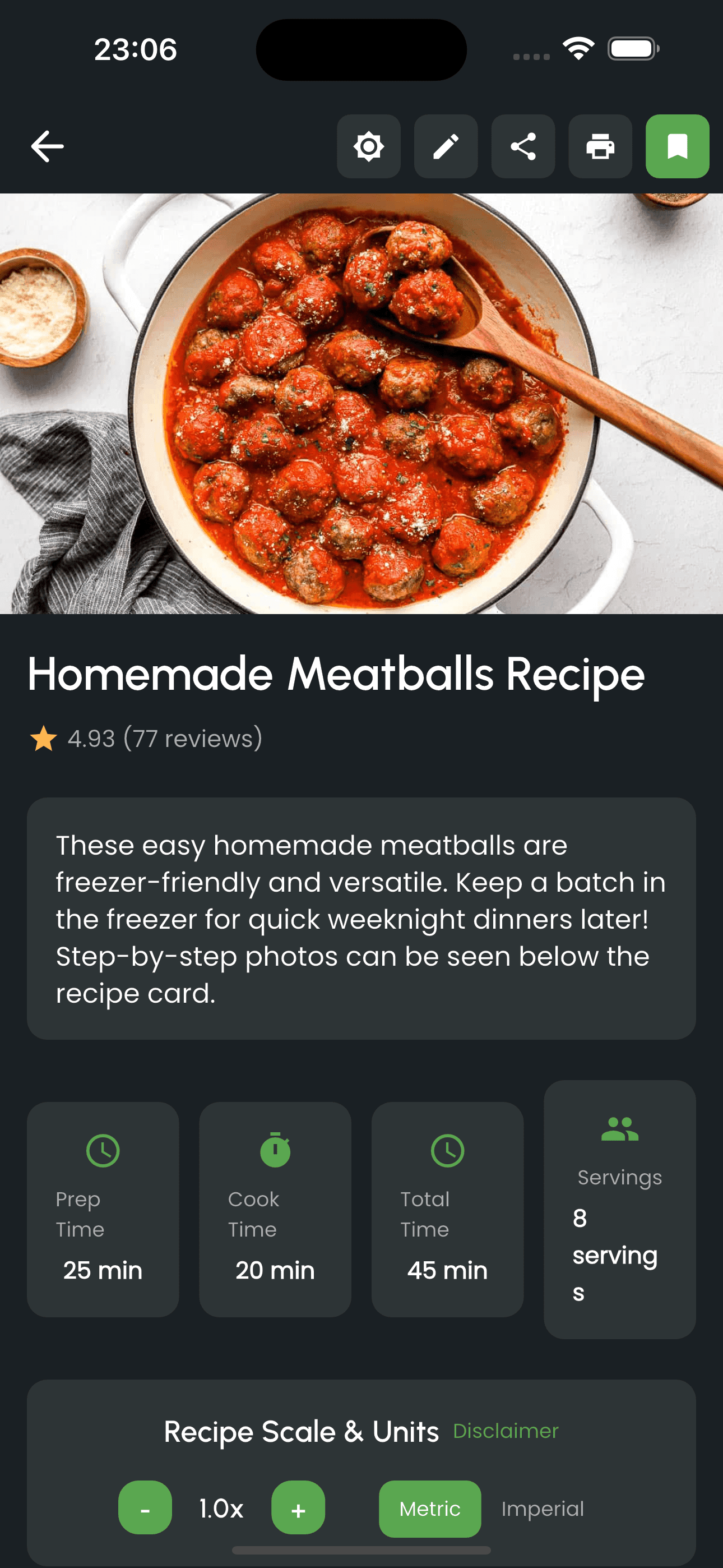
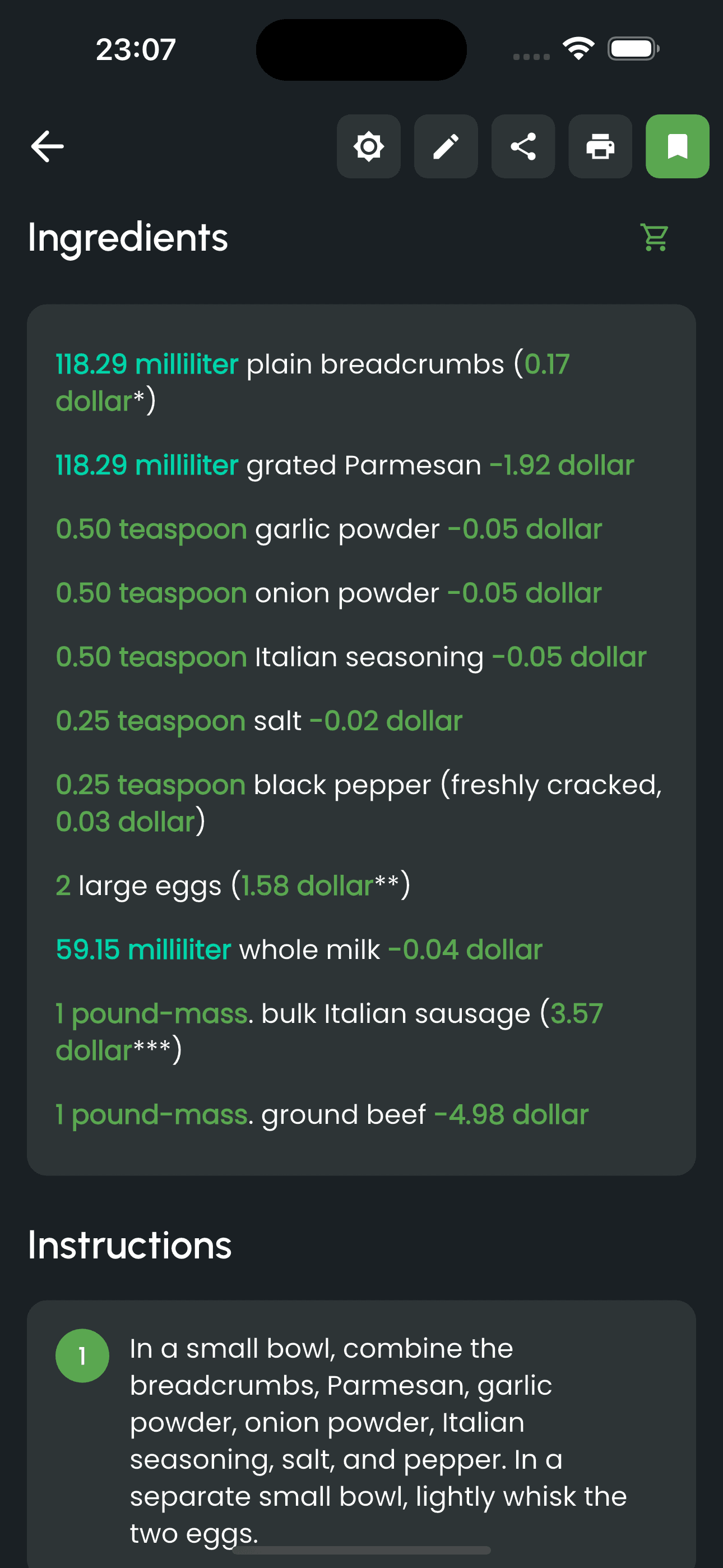
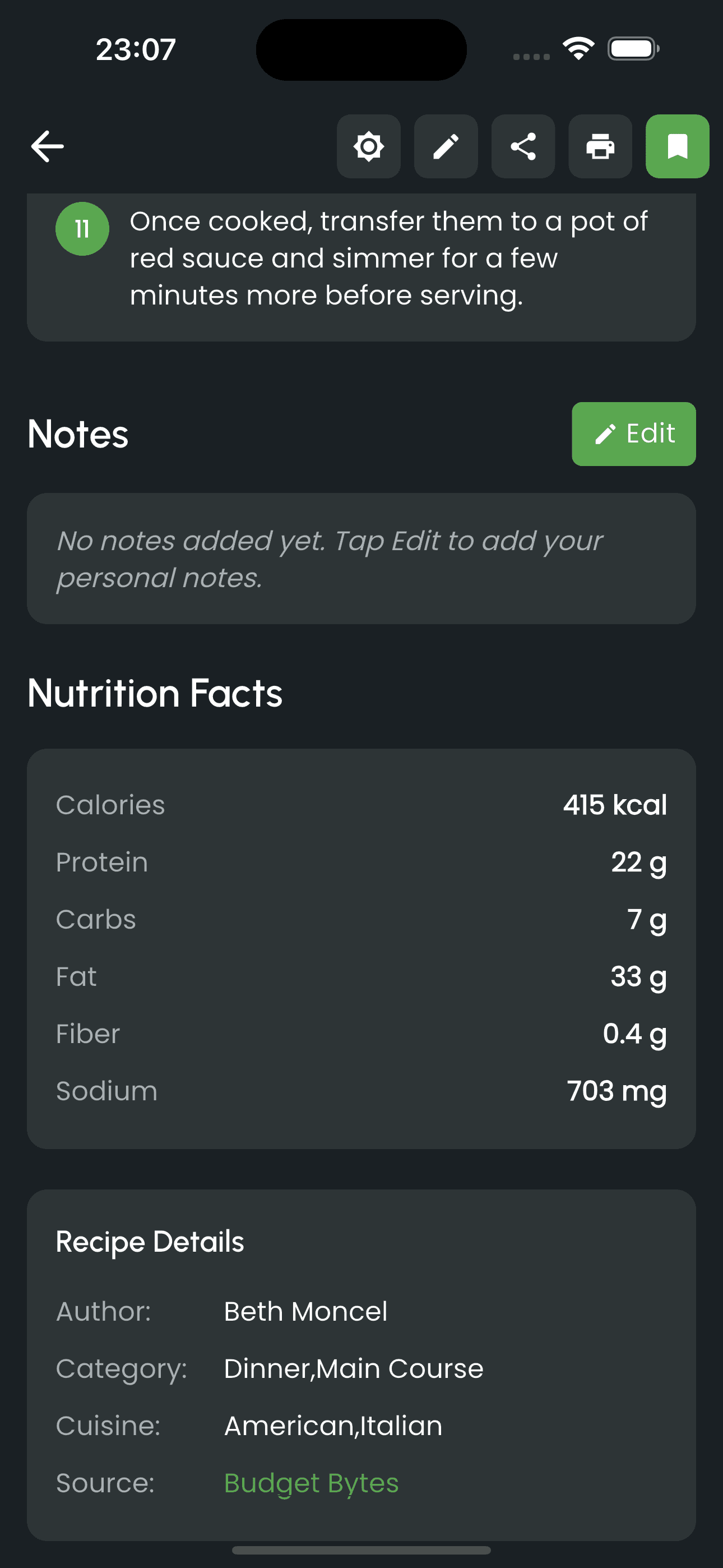
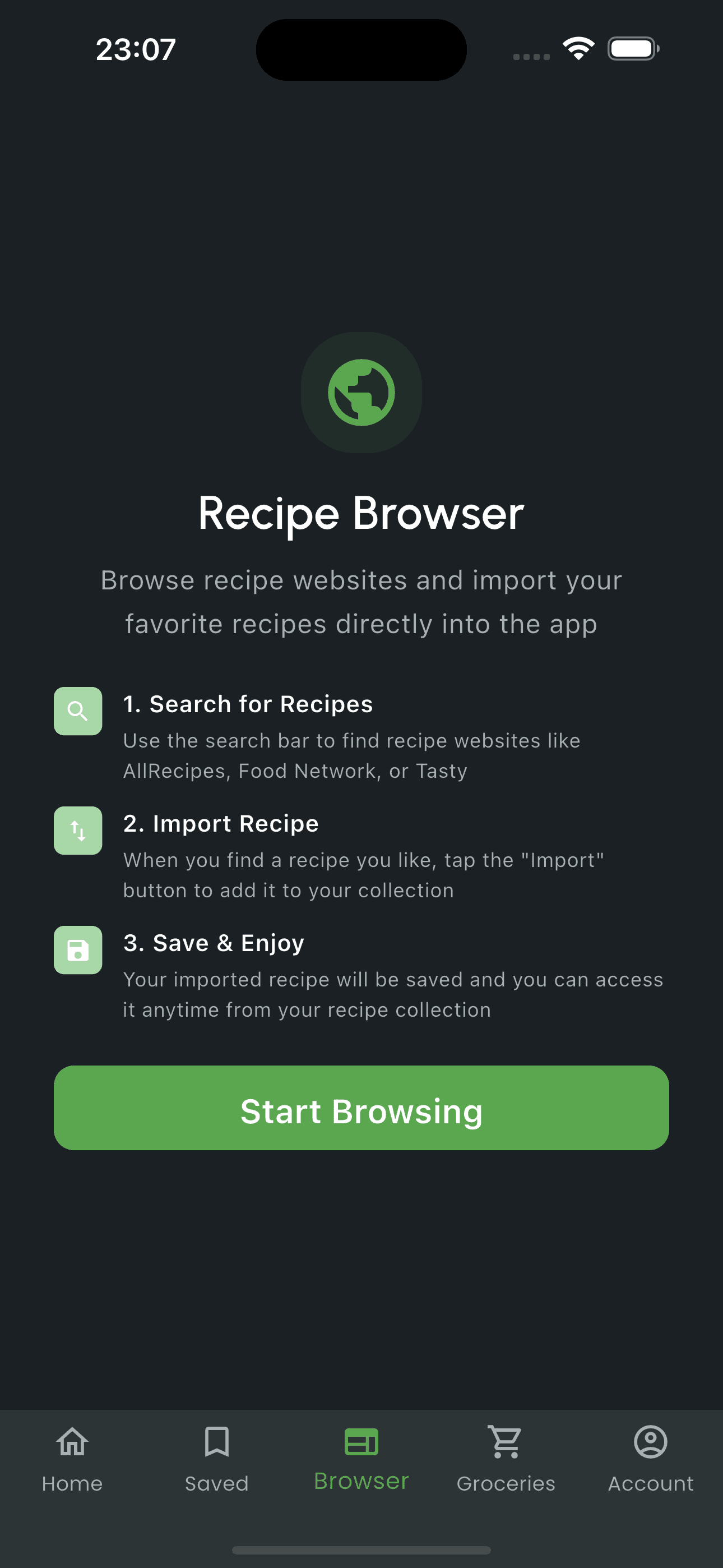
OnlyRecipe has quickly become the top choice for modern cooks by solving the biggest problem in 2026: recipes are everywhere. From TikTok videos to Instagram reels to grandma's handwritten cards, OnlyRecipe uses advanced AI to import them all instantly.
Why we love it:
- ✓ Social Media Import: The only app that reliably imports recipes from TikTok, YouTube, and Instagram videos.
- ✓ Screenshot Magic: Take a screenshot of any recipe, and it turns into a cookable format.
- ✓ Handwritten Recipes: AI digitizes old recipe cards with impressive accuracy.
2. Paprika Recipe Manager 3
Paprika has been the gold standard for years. It's a robust, reliable workhorse. While it lacks modern AI features, it excels at traditional web clipping and offline management.
- Excellent offline support
- One-time purchase (no subscription)
- Robust pantry inventory system
- Reliable website clipper
- No AI features or video import
- Must buy separately for each device (~$45 total)
- Interface feels dated compared to newer apps
3. Cookmate (formerly My CookBook)
Cookmate is a strong contender for Android users and those who have a large collection of legacy recipe files. It's highly customizable and supports many file formats.
- Imports many file formats (MMF, MXP, etc.)
- Generous free tier (60 recipes)
- Strong Android app
- No iOS app (Web only for Apple users)
- AI features are credit-based and limited
- Sync requires subscription
4. Plan to Eat
As the name suggests, this app puts meal planning first. If your primary goal is a rigid calendar and grocery schedule, Plan to Eat offers the best drag-and-drop planning interface.
5. Mealie (Best Self-Hosted)
For the tech-savvy privacy advocate, Mealie is an open-source gem. You host it yourself using Docker. It gives you complete control over your data but requires technical setup.
6. Pestle
A beautiful iOS-exclusive app that focuses on a streamlined cooking experience. It's great for iPhone users who want a native feel, but lacks cross-platform support for Android or Web.
Which One Should You Choose?
The best app is the one you'll actually use. For most modern home cooks in 2026, OnlyRecipe offers the best balance of powerful AI features, ease of use, and cross-platform accessibility.
Get Started with OnlyRecipe